 Go Worldify

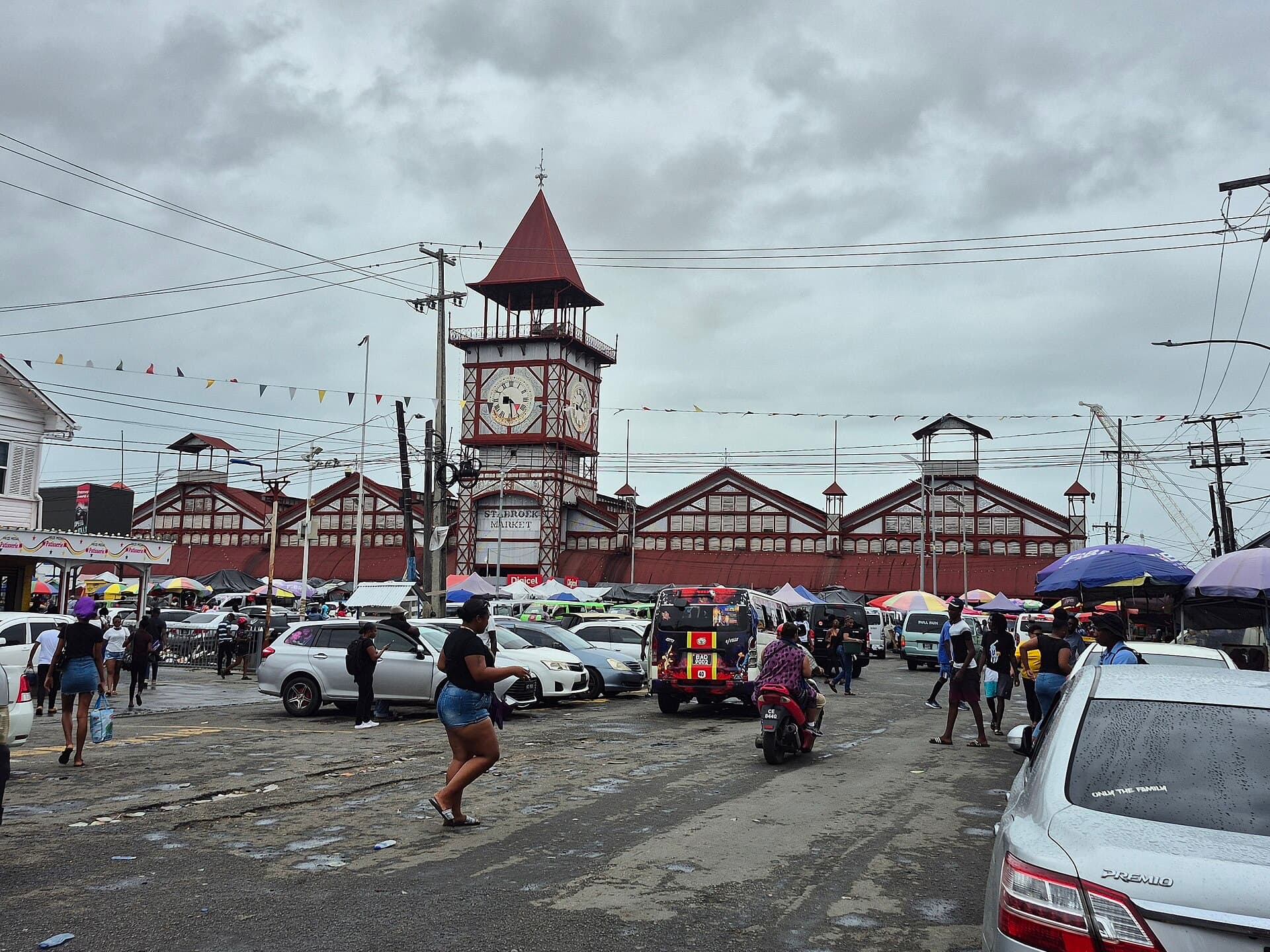
🇬🇾 Guyana
Traveling to Guyana?
Official Online Immigration and Customs Form details, plus connectivity options so you stay connected after you land.
Get there.
RequiredOnline Immigration and Customs Form
Guyana operates an Online Immigration and Customs Portal for Embarkation/Disembarkation forms. The official form is free. Use the government portal, not unofficial websites that charge a fee.
Fee: The Guyana Ministry of Home Affairs states that the official Immigration form is free of charge.
Languages spoken: English is the official language.
Open the official Guyana Immigration FormYou're leaving Go Worldify and going to Guyana's official Immigration form service.
The official Guyana Immigration form is free. Unofficial websites that charge to complete it are not the government service.
Go Worldify is an independent travel information and connectivity service. We are not a government website, immigration authority, customs authority, or the operator of this official service. We do not collect passport numbers, passport images, immigration answers, customs declaration contents, or payment-card details.
Official source: https://moha.gov.gy/
Last checked: Sep 4, 2026
Travel requirements can change. Always confirm final requirements with the official authority before travel.
Need the Guyana ED Form?Read our Guyana immigration form guide →
Stay connected
Stay connected wherever you travel
Going to Guyana now? Find connectivity for Guyana, or browse eSIM and calling options for destinations worldwide.
Go-Worldify connectivity options are designed for international travel and are not limited to this destination.
Mobile Data
Travel eSIM
Find an eSIM suitable for your Guyana trip.
- Maps and navigation
- WhatsApp and messaging
- Email and apps
- Mobile internet abroad
Continue with our eSIM partner
Calls + virtual number
Travel Calling
Set up international calling while in Guyana. Calling is for international travel, not only this destination.
- Traditional phone calls
- International calls
- Receive calls
- Virtual number where available
Calling provided by Zadarma
Continue with Zadarma
Best for full connectivity
RecommendedStay fully connected
eSIM + Travel Calling
Use a travel eSIM for mobile data and Travel Calling when you need to make or receive traditional phone calls.
Travel eSIM
Mobile internet
Travel Calling
Calls + virtual number
These are currently purchased separately from our connectivity partners.
Visiting more than one country? Explore connectivity for travel around the world.
Go-Worldify may earn a commission when you purchase connectivity services through our partner links, at no additional cost to you.
Not sure what you need?
eSIM vs roaming →How much data do I need? →How to make calls abroad →
Useful numbers
Save these contacts for Guyana. Tapping a phone number starts a call on your device. Confirm locally, because numbers can change.
Related requirements
Related destinations
Save this trip
Sign in to save this destination and reopen the official form later.
Caribbean, Central America, and South America